
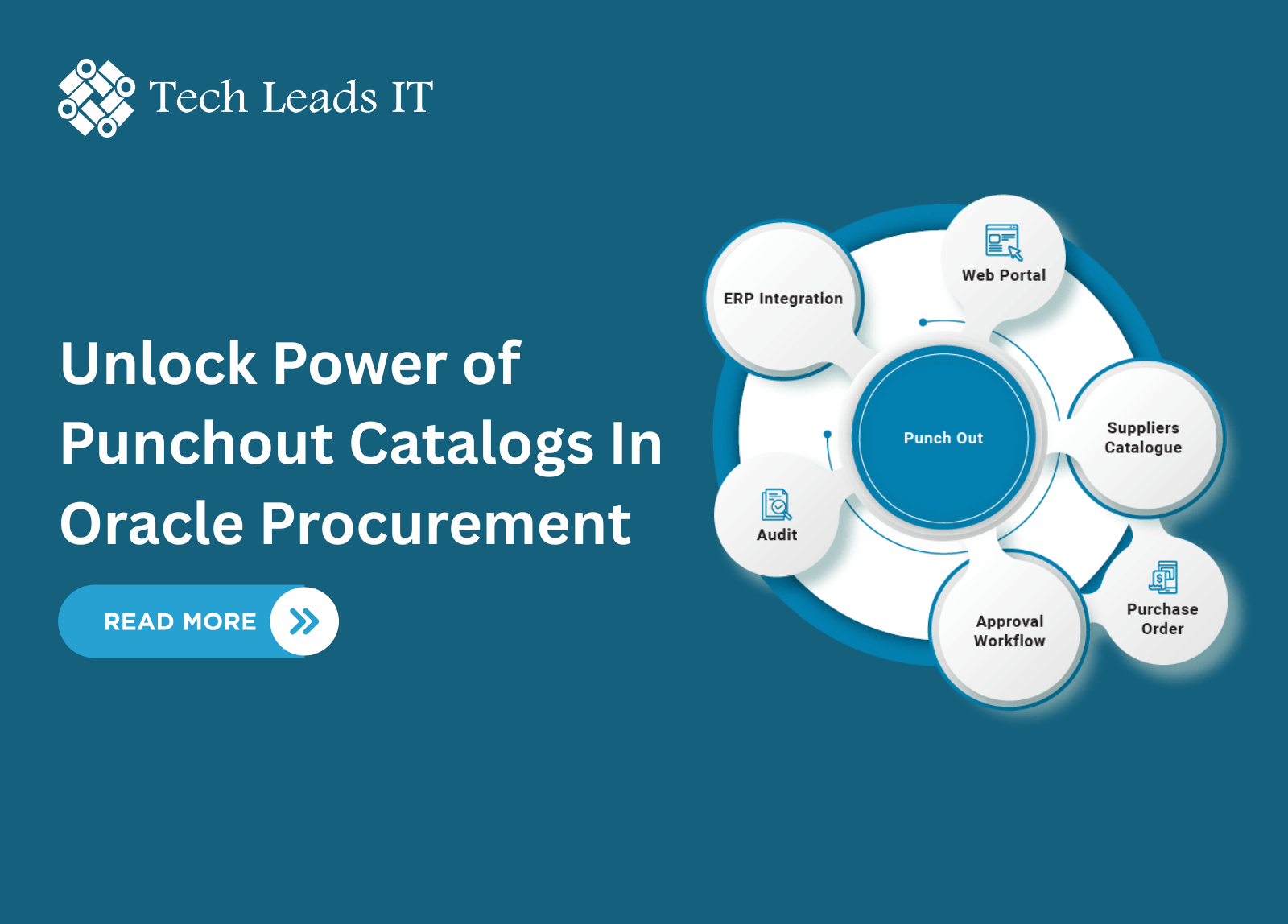
Unlock Power Of Punchout Catalogs In Oracle Procurement

Author
Tech Leads IT
Our Happy Students
Follow us on


When it comes to streamlining procurement processes and enhancing supplier collaboration, Punchout Catalogs in Oracle Fusion Cloud Procurement play a game-changing role. This advanced feature creates a seamless bridge between your internal procurement system and supplier-hosted online catalogs—offering real-time access to product data, configurable items, and negotiated pricing—all from within your familiar Oracle workspace. If you're exploring or already undergoing Oracle Fusion Procurement Online Training, understanding Punchout Catalogs is essential for mastering efficient and modern purchasing workflows.
What is a Punchout Catalog?
In simple terms, a Punchout Catalog enables users to access a supplier's web store directly from the Purchase Requisitions work area in Oracle Fusion. Once inside the supplier's catalog, users can browse, configure, and select products. The selected items are then automatically added back to a requisition within Oracle Fusion—streamlining the procurement process without requiring users to leave the application.
Key Benefits of Punchout Catalogs
If you're learning through an Oracle Fusion Procurement Training program, here are the core advantages to focus on:
● Real-Time Content & Pricing
Suppliers host and update their catalogs, ensuring that requesters always view the most
accurate product details and prices—eliminating the burden of constant internal catalog
maintenance.
● Support for Configurable Items
Ideal for dynamic or customizable products (e.g., laptops, machinery, services) that are
difficult to maintain in static catalogs.
● Supplier-Controlled Access
Suppliers can grant catalog access only to authorized requesters or buyer groups within
your organization.
● Touchless Purchasing Flow
With existing supplier contracts, requisitions can be converted into purchase orders
automatically—creating a low-touch or even no-touch procurement process.
How the Punchout Process Works
Here's how the Punchout Catalog workflow typically unfolds:
1. The requester clicks the Punchout link in Oracle Self-Service Procurement.
2. The system redirects them to the supplier's online catalog.
3. After authentication, the user shops and adds items to their cart.
4. The supplier site transmits cart contents back to Oracle Fusion.
5. The requester reviews and submits the requisition.
Whether you're taking an Oracle Fusion Procurement Course or already working on implementation, this workflow forms a foundational concept to master.
Supported Punchout Protocols
Oracle Fusion Cloud Procurement supports two standard protocols:
● CXML (Commerce Extensible Markup Language)
Preferred by suppliers already using cXML catalogs. The PunchOutOrderMessage handles the return of shopping cart data.
● Oracle Native XML
Uses the OrderLinesDataElements document for transferring items. Offers optional user data transmission for enhanced customization.
Advanced Features of Punchout Catalogs
Here are some powerful enhancements worth exploring:
Marketplace Integration
Combine punchout catalog marketplaces, host local items, and master agreement lines. Oracle sends "deliver-to" details for content filtering at the marketplace level.
Automatic Sourcing
If the returned item includes a master item number, Oracle can automatically determine the best sourcing strategy—whether it's an internal transfer or external supplier purchase.
Repeat Punchout (for CXML)
Allows requesters or approvers to re-inspect selected items (note: changes made during repeat punchout won't reflect in the original requisition).
Setting Up Punchout Catalogs: Configuration Tips
Punchout Catalogs are configured through the Manage Catalogs task. Key setup steps include:
● Catalog Details: Name, description, procurement BU, search keywords, and optional
image.
● Source & Definition: Choose XML model (cXML or native), supplier name/site,
punchout URL and authentication settings.
● Optional Features:
- Enable negotiated pricing
- Allow price override
- Disable automatic sourcing
- Map external to internal values (categories, UOM, etc.)
- Assign catalog browsing categories for easier discovery.
● Test Configuration: Use the built-in test connection feature to validate setup and fix
errors via diagnostic logs.
If you're enrolled in Oracle Fusion Procurement Online Training, hands-on configuration exercises around this section will give you valuable experience in managing real-world punchout integrations.
Improving Searchability with Punchout Item Search Index
Because punchout items reside on external supplier sites, Oracle Fusion doesn't index them by default. However, you can:
● Upload a supplier-provided item list in .txt format.
● Create a searchable index for local lookup.
● Keep the list updated to reflect price or product changes.
● Use high-level keywords (e.g., "stationery," "IT hardware") to help users discover relevant catalogs.
Final Thoughts: Why Learn Punchout Catalogs?
If you're serious about mastering Oracle Fusion Procurement, whether as an end-user, consultant, or implementer, understanding Punchout Catalogs is a core skill. It improves procurement efficiency, empowers suppliers, and reduces manual overhead.
These catalogs are particularly helpful in industries where catalog data changes frequently or where product configurability and automated purchase order (PO) generation are essential business requirements.
By enrolling in a hands-on Oracle Fusion Procurement Course, you'll gain both the technical knowledge and strategic insight needed to effectively set up and manage punchout catalogs in real-world enterprise environments.
Categories
Trending Blogs
Get Notified about Latest Blogs, Interview Questions & Job Alerts
Stay updated with the latest insights, trends, and expert tips on Oracle Fusion SCM. Subscribe to our newsletter and never miss an update!
Explore Our Related Blogs
0
LikesConnect with us


Subscribe




Top Categories
Popular Courses


© Copyright Tech Leads IT. All Rights Reserved
Stay Connected with us


